

You Upload the PDF. TikoNote Does the Rest.
Every student knows the feeling: a 200-page textbook, an exam in two days, and no idea where to start. TikoNote's free PDF to notes feature changes that completely. Upload your PDF and get structured, study-ready notes in under 30 seconds — making it the fastest AI note generator from PDF available today.
What Happens When You Upload a PDF
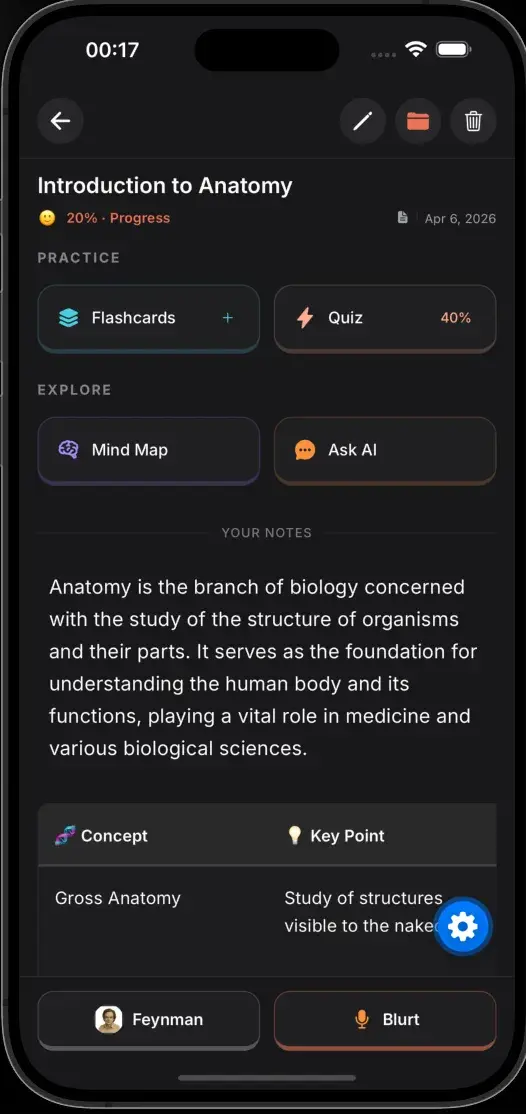
The moment you upload, TikoNote's AI reads the entire document and builds you a complete study package — far beyond what a basic AI PDF summarizer delivers:
- Structured study notes — organized by topic and subtopic, with clear headings, exactly like a human expert would write them
- Key term extraction — important vocabulary pulled out and defined automatically
- Automatic flashcards — study cards generated from key facts and concepts for spaced repetition
- Practice quiz — test yourself on the material immediately with active recall questions
- AI chat (Ask Tiko) — ask follow-up questions about anything in the PDF, getting instant explanations
Works With Any PDF You Throw At It
Lecture slides from class? Textbook chapters? A dense research paper? A scanned handout? TikoNote handles all of it. Our AI understands academic structure, so it correctly identifies definitions, arguments, key concepts, and supporting evidence. It is the most reliable PDF note taker AI built specifically for students — whether you need to convert PDF to notes for medicine, law, engineering, or the humanities.
Why Students Choose TikoNote as Their PDF Notes Generator
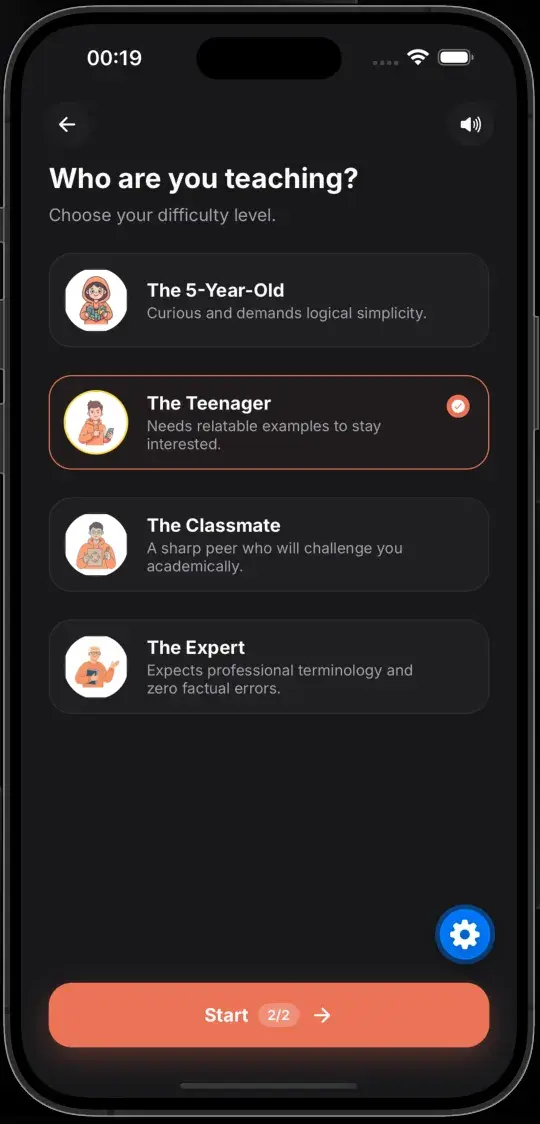
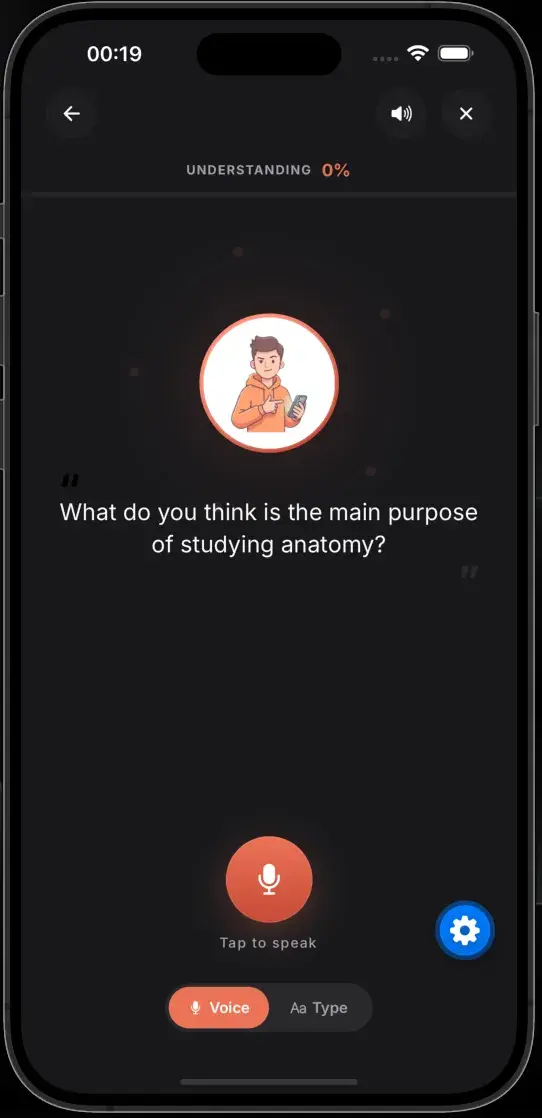
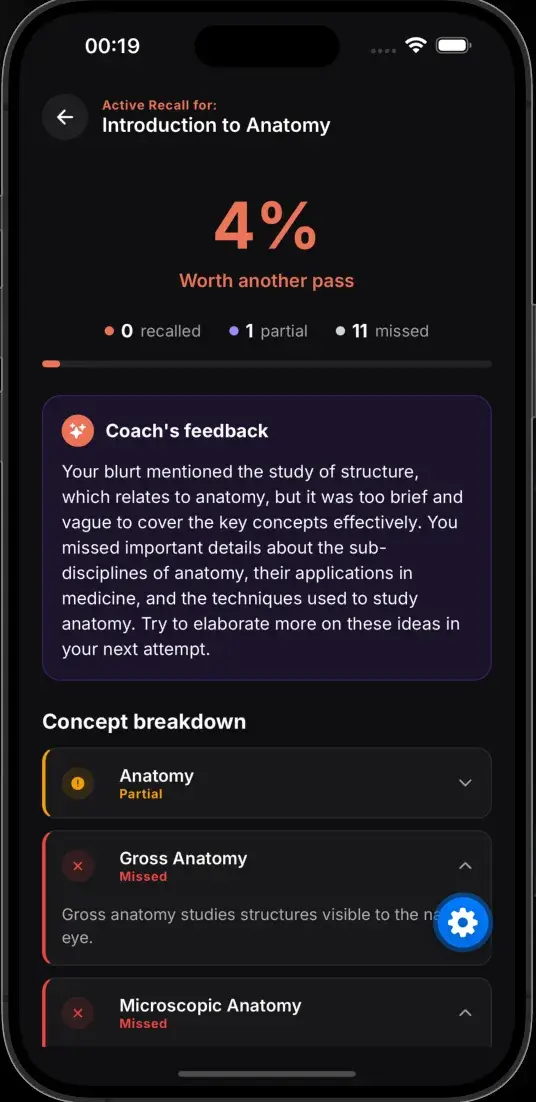
Re-reading a PDF is passive — you feel like you are studying but nothing sticks. TikoNote turns your PDF into active learning tools: you recall, quiz yourself, and ask questions. That is the fastest path to actually understanding and remembering material.
- Save 3+ hours per chapter — no manual note-taking or copy-pasting needed
- Never lose the key point — AI catches everything, including what you would normally skip
- Study anywhere — access notes on iOS, Android, and web, fully synced across devices
- One PDF → complete study set — notes, cards, quiz, and AI tutor all included for free
Not Just PDFs — Every Format You Study From
While TikoNote excels as a PDF to study notes converter, it handles every format students actually use. Upload a YouTube lecture link, record a voice memo from class, or paste a web article — the same AI notes generator works across all of them. One app replaces five separate tools.
Free PDF to Notes — How the Plans Work
TikoNote is free to start. Your first PDF to notes conversion is completely free — no credit card needed. If you convert multiple PDFs per week, our Premium plan at $9.99/month (or $59.99/year) unlocks unlimited AI note generations, unlimited flashcard decks, and priority support. Students who upgrade typically convert 10–20 PDFs per month during exam season.
From PDF to Exam-Ready in Minutes
Students who upload their lecture slides Sunday night go into Monday's class already prepared. Students who upload textbook chapters before exams actually understand the material — not just memorize lines. TikoNote makes your PDF work for you. Whether you call it a pdf to notes converter, an ai note maker from pdf, or simply the fastest way to study — the result is the same: better notes, less time, higher grades.
Frequently Asked Questions
Can I convert any PDF to notes for free?
Yes. TikoNote lets you convert your first PDF to study notes completely free — no credit card required. You get structured notes, flashcards, and a quiz generated from your PDF. Unlimited conversions are available on paid plans starting at $9.99/month.
How long does it take to turn a PDF into notes?
Under 30 seconds. Once you upload your PDF, TikoNote's AI reads the entire document and generates structured study notes, key term definitions, flashcards, and a practice quiz — all ready in seconds regardless of how long the PDF is.
Does the PDF to notes converter work with scanned PDFs?
Yes. TikoNote handles scanned PDFs, image-based PDFs, handwritten notes, and standard text PDFs. Our AI uses OCR to extract text from scanned documents before generating your study notes and flashcards.
Can I get flashcards and quizzes from my PDF — not just notes?
Absolutely. Every PDF you upload automatically generates four study tools at once: structured notes, key-term flashcards, a practice quiz, and an AI tutor you can chat with about the PDF content.
What types of PDFs does the AI note generator support?
TikoNote works with any academic PDF: university textbook chapters, lecture slides, research papers, law case studies, medical textbooks, and scanned handouts. The AI understands academic structure and correctly identifies definitions, arguments, and key concepts.
Is TikoNote an AI PDF summarizer or a notes generator?
Both — and more. Unlike a basic AI PDF summarizer that produces a single paragraph, TikoNote generates full structured study notes, flashcards, a quiz, and an interactive AI tutor. It is designed for students who need to actively study the material, not just read a summary.
How is TikoNote different from other PDF to notes converters?
Most PDF to notes converters give you a passive text summary. TikoNote builds an entire active recall study set: notes, flashcards with spaced repetition, a quiz, and an AI tutor powered by the content of your specific PDF — built on cognitive science methods shown to double exam performance compared to re-reading.