
Rimani Organizzato con le Cartelle Intelligenti
Mantieni i tuoi materiali di studio perfettamente organizzati. Crea cartelle personalizzate per ogni materia, semestre o progetto per mantenere il tuo spazio di lavoro digitale ordinato ed efficiente.
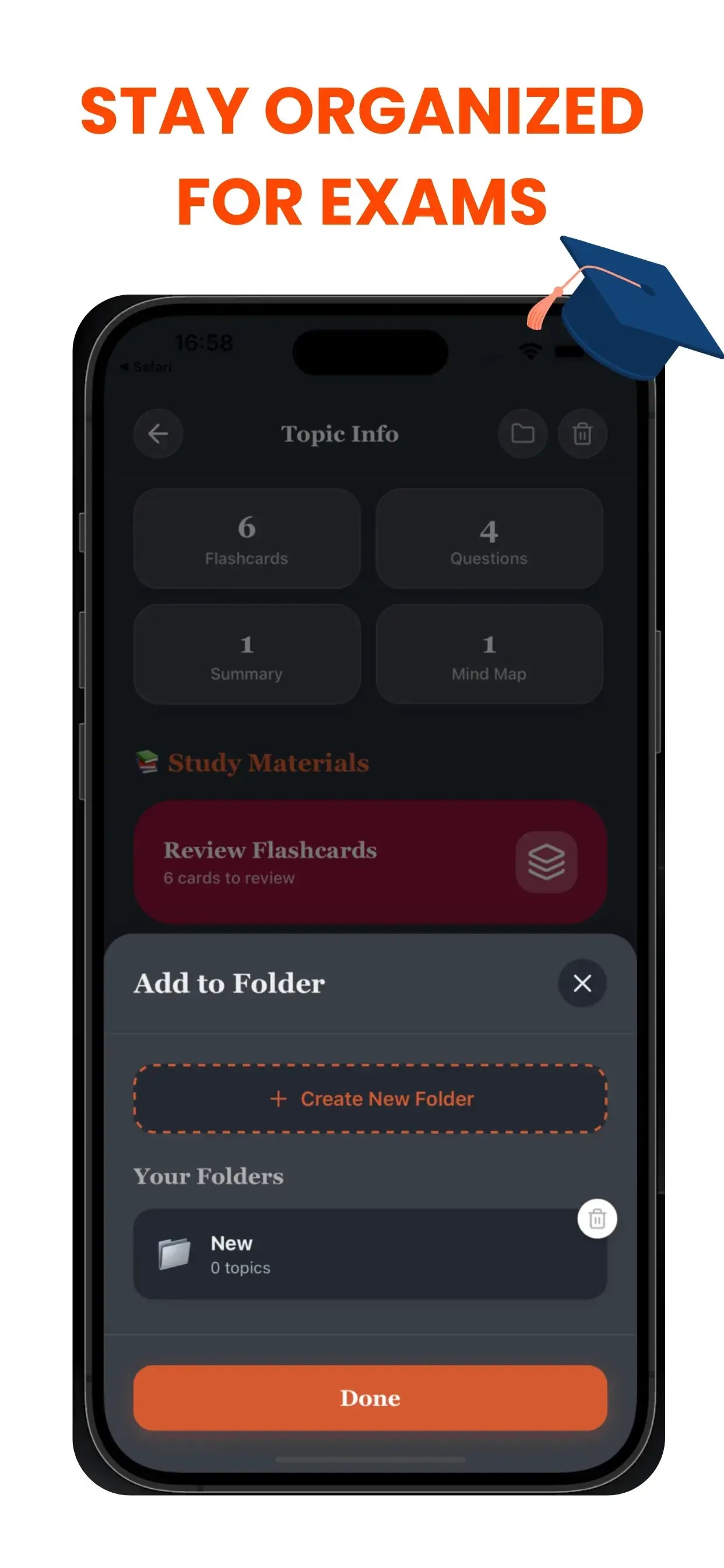
L'Ammazza-Caos per gli Studenti
Uno spazio di lavoro digitale disordinato porta a una mente disordinata. Se stai annegando in un mare di file senza nome (Senza_titolo_1.pdf, Audio_Finale.mp3), stai sprecando energia cognitiva solo a cercare le tue cose. Il sistema di Cartelle Intelligenti di TikoNote crea una gerarchia logica per la tua vita accademica.
Flusso di Lavoro Basato sui Progetti
Crea quaderni o cartelle dedicate per esigenze specifiche:
- Per Corso: "Biologia 101", "Storia Europea".
- Per Obiettivo: "Preparazione Esami Finali", "Ricerca Tesi".
- Per Formato: "Audio Lezioni", "Riassunti Libri di Testo".
Non Perdere Mai Più un Appunto
Man mano che generi nuovi contenuti AI, puoi assegnarli istantaneamente alla cartella corretta. La nostra interfaccia pulita e intuitiva assicura che le tue flashcard, quiz e riassunti siano esattamente dove ti aspetti che siano. Passa meno tempo a cercare e più tempo a studiare.
Project-Based workflow
Create dedicated notebooks or folders for specific needs:
- By Course: "Biology 101", "European History".
- By Goal: "Finals Week Prep", "Thesis Research".
- By Format: "Lecture Audio", "Textbook Summaries".
Never Lose a Note Again
As you generate new AI content, you can instantly assign it to the correct folder. Our clean, intuitive interface ensures that your flashcards, quizzes, and summaries live exactly where you expect them to be. Spend less time searching and more time studying.
Domande frequenti su le cartelle intelligenti
- Come genera TikoNote le cartelle intelligenti dai miei file?
- Carica qualsiasi PDF, registrazione audio o link YouTube e TikoNote genera automaticamente i materiali di studio in meno di un minuto.
- Quali formati di file supporta TikoNote?
- TikoNote supporta PDF, DOCX, PPTX, file audio (MP3, WAV), video MP4 e link YouTube.
- TikoNote è gratuito?
- TikoNote offre un piano gratuito per la tua prima nota. I piani Premium partono da $9,99/mese per generazioni illimitate.
- TikoNote funziona in più lingue?
- Sì. TikoNote elabora contenuti in oltre 12 lingue e genera risultati nella lingua del documento sorgente.
- Posso usare TikoNote su smartphone?
- Sì. TikoNote ha app per iOS e Android, oltre a una versione web completa sincronizzata su tutti i dispositivi.
Pronto a studiare in modo più intelligente?
Unisciti a migliaia di studenti che usano TikoNote per superare gli esami con meno stress.