
Akıllı Klasörlerle Düzenli Kalın
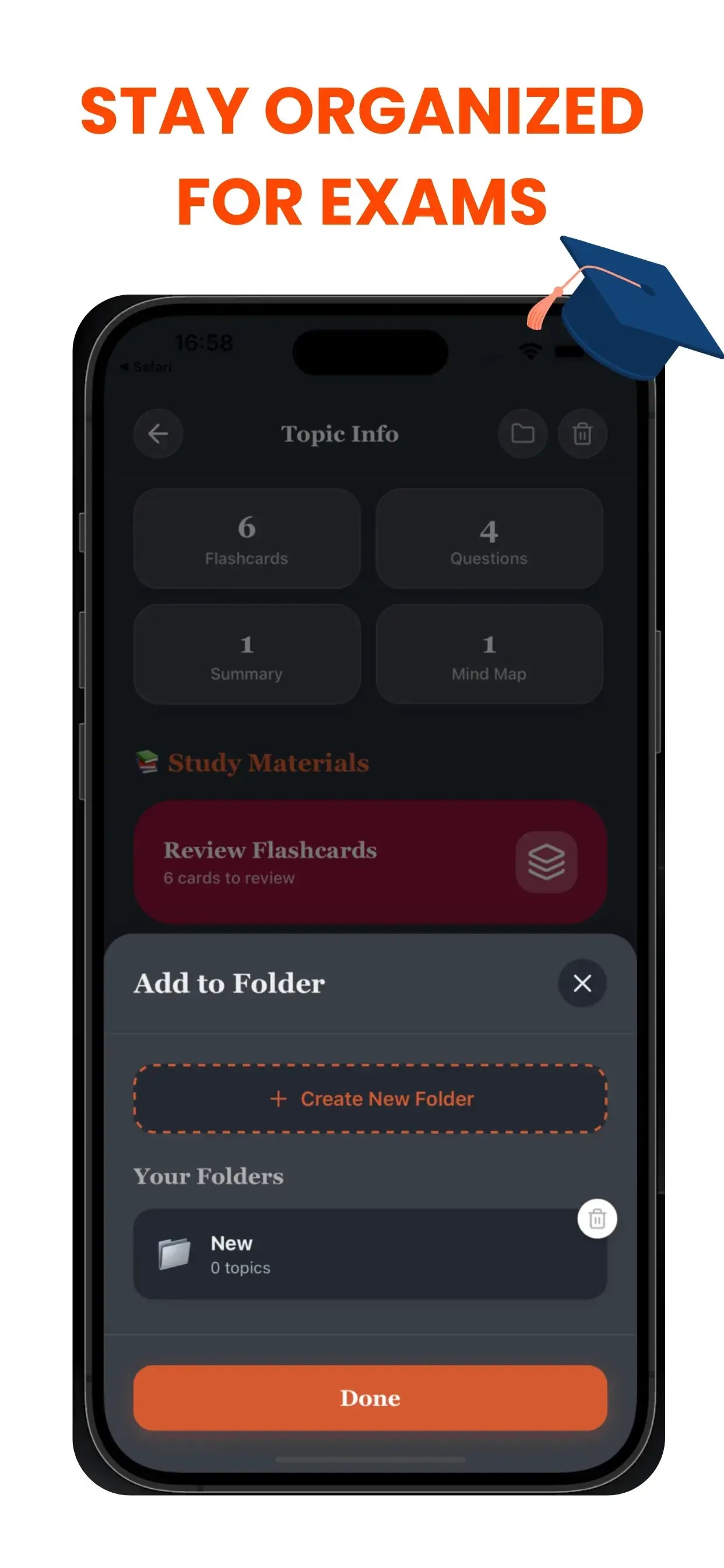
Çalışma materyallerinizi mükemmel şekilde düzenli tutun. Dijital çalışma alanınızı düzensizlikten arındırılmış ve verimli tutmak için her ders, dönem veya proje için özel klasörler oluşturun.
Öğrenciler İçin Kaos Öldürücü
Dağınık bir dijital çalışma alanı, dağınık bir zihne yol açar. İsimsiz dosyalar denizinde boğuluyorsanız (Isimsiz_1.pdf, Ses_Final.mp3), sadece eşyalarınızı aramak için bilişsel enerji harcıyorsunuz. TikoNote'un Akıllı Klasör sistemi, akademik yaşamınız için mantıklı bir hiyerarşi oluşturur.
Proje Tabanlı İş Akışı
Belirli ihtiyaçlar için özel defterler veya klasörler oluşturun:
- Derse Göre: "Biyoloji 101", "Avrupa Tarihi".
- Hedefe Göre: "Final Haftası Hazırlığı", "Tez Araştırması".
- Formata Göre: "Ders Sesleri", "Ders Kitabı Özetleri".
Bir Daha Asla Not Kaybetmeyin
Yeni AI içeriği oluşturdukça, bunu anında doğru klasöre atayabilirsiniz. Temiz, sezgisel arayüzümüz, bilgi kartlarınızın, testlerinizin ve özetlerinizin tam olarak beklediğiniz yerde olmasını sağlar. Aramaya daha az, çalışmaya daha fazla zaman harcayın.
Project-Based workflow
Create dedicated notebooks or folders for specific needs:
- By Course: "Biology 101", "European History".
- By Goal: "Finals Week Prep", "Thesis Research".
- By Format: "Lecture Audio", "Textbook Summaries".
Never Lose a Note Again
As you generate new AI content, you can instantly assign it to the correct folder. Our clean, intuitive interface ensures that your flashcards, quizzes, and summaries live exactly where you expect them to be. Spend less time searching and more time studying.
akıllı klasörler Hakkında Sık Sorulan Sorular
- TikoNote dosyalarımdan akıllı klasörler nasıl oluşturur?
- Herhangi bir PDF, ses kaydı veya YouTube linki yükleyin; TikoNote bir dakika içinde tüm çalışma materyallerini otomatik olarak oluşturur.
- TikoNote hangi dosya formatlarını destekler?
- TikoNote; PDF, DOCX, PPTX, ses dosyaları (MP3, WAV), MP4 video ve YouTube linklerini destekler.
- TikoNote ücretsiz mi?
- TikoNote ilk notunuz için ücretsiz plan sunar. Premium planlar sınırsız oluşturma için ayda 9,99 dolardan başlar.
- TikoNote birden fazla dili destekliyor mu?
- Evet. TikoNote 12'den fazla dilde içerik işler ve sonuçları kaynak belgenizin dilinde üretir.
- TikoNote'u mobilde kullanabilir miyim?
- Evet. TikoNote'un iOS ve Android uygulamaları ile tüm cihazlarınızda senkronize tam web sürümü mevcuttur.
Daha akıllı çalışmaya hazır mısınız?
Sınavlarını daha az stresle geçmek için TikoNote kullanan binlerce öğrenciye katılın.