
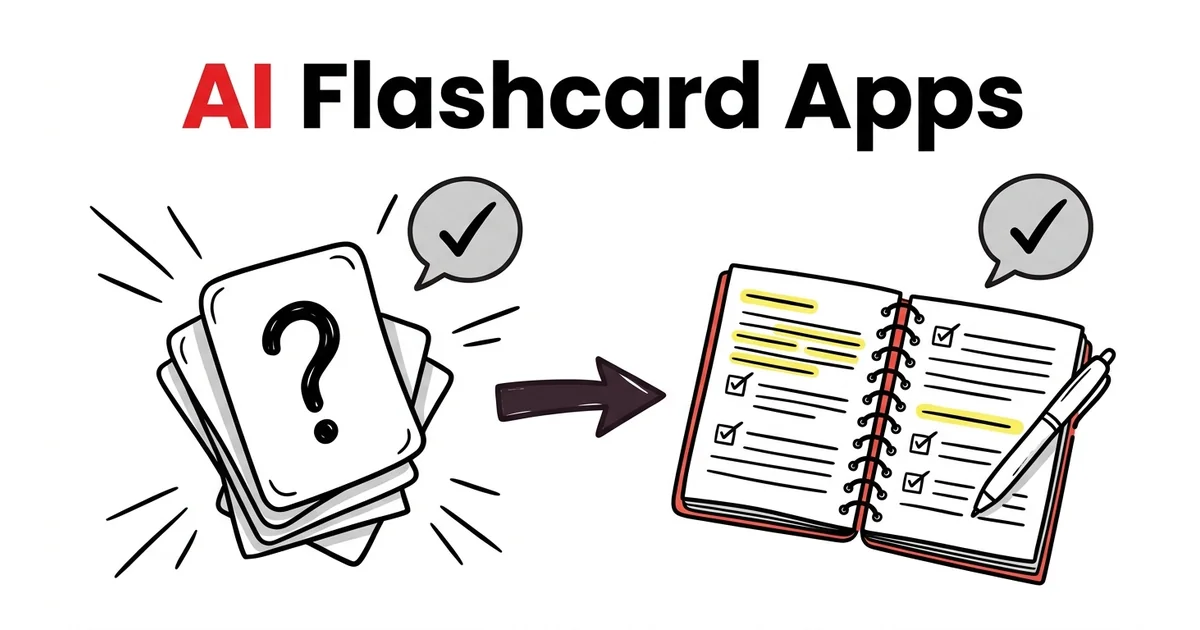
AI Flashcard Apps: How to Use Them to Remember More
AI flashcard apps can generate a 50-card deck from your lecture notes in 30 seconds. Most students use them wrong — they generate the deck, flip through the cards once, and feel like they've studied.
That's passive review. It feels like studying. It doesn't produce lasting memory.
This guide covers which AI flashcard apps are worth using in 2026, why flashcards work when used correctly, and the specific method that turns AI-generated cards into actual exam-ready knowledge.
Why Flashcards Work (When Used Correctly)
The learning mechanism behind flashcards is the testing effect — one of the most replicated findings in cognitive psychology. A landmark 2006 study by Roediger and Karpicke showed that students who retrieved information from memory retained it significantly better than students who restudied the same material, even with less total study time.
The key word is retrieved. The benefit comes from attempting to recall the answer before seeing it — not from reading the front, immediately flipping to the back, and nodding.
AI flashcard apps can generate the cards. The science that makes them work is what you do with those cards.
The Best AI Flashcard Apps in 2026
1. TikoNote — Best AI Flashcard App for Your Own Course Materials
What it does: Upload a PDF, lecture recording, YouTube video, or typed notes and TikoNote generates a complete flashcard deck from your source material in seconds — question-answer pairs calibrated to the key concepts in your content.
Why it stands out:
- Source-specific cards — every card comes from your uploaded material, not generic AI knowledge. Cards match your professor's definitions and your textbook's examples.
- Cloze deletion support — fill-in-the-blank format for definitions, processes, and sequences — a format research shows produces stronger recall than simple Q&A
- Built-in spaced repetition — after generating your deck, the app schedules reviews at the optimal interval before you'd forget each card. No manual sorting required.
- Cross-format — generates cards from PDFs, YouTube lectures, audio recordings, and typed notes
Free tier: Yes. Pro from ~$9.99/month.
2. Anki — Best AI Flashcard App for Long-Term Memorization
What it does: The gold-standard spaced repetition app. Anki's FSRS algorithm individually models your forgetting curve for every card — the most scientifically rigorous scheduling available.
AI flashcard generation: Anki itself doesn't generate cards — you build them manually or import from tools like TikoNote. However, several Anki add-ons connect to AI APIs to generate cards from text.
The AnKing deck: For pre-med students, the community-maintained AnKing deck (100,000+ USMLE Step 1/2 cards) is arguably the most high-quality AI-assisted flashcard resource available for any subject.
Free tier: Desktop and Android: free. iOS AnkiMobile: $24.99 one-time.
3. Quizlet — Best AI Flashcard App for Community Decks
What it does: 900 million+ community-created flashcard sets. Quizlet's AI features (Magic Notes) generate sets from uploaded text; Q-Chat turns card sets into interactive AI tutoring sessions.
Best use case: Finding and using existing high-quality decks for common AP courses, SAT vocab, and introductory university subjects — saving the time you'd spend building from scratch.
Limitation: Free tier is increasingly restricted. Core adaptive study mode requires Quizlet Plus.
Free tier: Limited. Plus: $35.99/year.
4. Knowt — Best Free AI Flashcard Generator
What it does: Upload notes or paste text and Knowt generates a flashcard set with unlimited creation on the free tier. Includes basic study modes and imports Quizlet sets.
Best use case: Students who want AI card generation without Quizlet's paywall — or who want to import their existing Quizlet sets and study them without a subscription.
Free tier: Yes (unlimited card creation, capped AI features).
5. Brainscape — Best AI Flashcard App for Confidence-Based Repetition
What it does: Flashcard platform using Confidence-Based Repetition (CBR) — you rate how well you knew each answer (1–5), and the algorithm adjusts scheduling accordingly. Includes a large library of expert-made decks.
Best use case: Students who want to use pre-built, vetted decks for professional exams (bar exam, CFA, real estate licenses) without building their own sets.
Free tier: Yes (limited). Pro: $9.99/month.
How to Use AI Flashcard Apps to Actually Remember More
Generating the cards is step one. The rest determines whether you actually retain the material.
Step 1: Generate, Then Edit
Treat AI-generated cards as a strong draft. Before your first review session, go through the deck and:
- Delete cards that test trivial details unlikely to be examined
- Shorten answers longer than two sentences — shorter answers are easier to recall under pressure
- Rewrite questions that are ambiguous or double-barreled
- Add any key concept you know matters but wasn't captured
This takes 10–15 minutes for a 50-card deck. It produces a leaner, higher-quality deck that you'll actually remember.
Step 2: Force Retrieval Every Time
Before flipping any card, attempt to recall the answer. Even if you're not sure. Even if you're probably wrong.
The struggle to retrieve — not the exposure to the correct answer — is what encodes the memory. Flipping immediately after reading the question gives you the comfort of reviewing without the benefit of studying.
Step 3: Rate Honestly
In apps with confidence ratings (TikoNote, Brainscape, Anki), rate each card accurately. If you hesitated before answering, rate it lower — even if you got it right. The algorithm uses your ratings to determine when to show you the card next.
Inflating your confidence ratings accelerates cards out of review before they're genuinely retained.
Step 4: Use Spaced Repetition, Not Marathon Sessions
Review your due cards every day for 20–30 minutes rather than doing a 4-hour session the night before your exam. Spaced repetition produces stronger long-term retention than massed practice, and daily short sessions are more sustainable than marathon reviews.
Step 5: Use Cloze Deletion for Processes and Definitions
For content with specific sequences, formulas, or definitions, cloze deletion (fill-in-the-blank) outperforms Q&A format. "The Krebs cycle produces ___ ATP per turn" requires more precise recall than "What does the Krebs cycle produce?"
TikoNote generates cloze cards automatically from your source material. In Anki, the Cloze card type allows you to create these manually.
The Science: Why AI Flashcards Improve Memory
The testing effect makes retrieval more effective than restudying. When your brain fails to immediately recall an answer and has to search for it, the retrieval process strengthens the memory trace — this is called retrieval-induced potentiation.
Spaced repetition exploits the forgetting curve. By reviewing a card just before you'd forget it, you reset the forgetting curve at a higher retention level each time — producing exponentially increasing time between reviews.
AI-generated cards remove the bottleneck of card creation. Students who spend 90 minutes creating cards have 90 fewer minutes for actual retrieval practice. AI generation shifts that 90 minutes entirely into review.
The combination — AI generation + genuine retrieval + spaced repetition scheduling — is the most time-efficient study method available for high-volume, fact-dense exam preparation.
Frequently Asked Questions
What is the best AI flashcard app for students in 2026?
TikoNote is the strongest all-in-one option — it generates flashcards from your own PDFs and lectures, and includes built-in spaced repetition scheduling. Anki has the best algorithm for long-term retention at high volumes. Quizlet has the largest community deck library. Which is best depends on whether you're building from your own materials or using existing decks.
How can I use AI flashcards to improve my memory?
Generate cards from your course materials (not generic prompts), edit the deck to remove trivial or overly long cards, attempt retrieval before flipping every card, and use the spaced repetition scheduling in your app to review at optimal intervals. The science behind why this works: retrieval practice during review strengthens memory more than re-reading, and spaced intervals prevent cramming's rapid forgetting.
Are AI-generated flashcards as good as hand-made ones?
For most students studying most subjects, yes — and they cover more material. Manual card creation tends to underrepresent content you found boring or didn't notice while reading. AI generation treats all content equally. The caveat: always edit AI-generated cards before studying them.
Which AI flashcard app is free?
TikoNote (free tier for core features), Anki (free on desktop/Android), and Knowt (unlimited card creation free) are the strongest free AI flashcard apps. Quizlet's free tier has become significantly restricted.
TikoNote generates AI flashcards from your PDFs, lectures, and YouTube videos — then schedules your review with built-in spaced repetition. Start free →
Put this into practice — right now.
Upload a PDF, lecture slide, or YouTube link. TikoNote instantly generates quizzes, flashcards, and a Feynman session from your own material — not generic internet content.
- ✓ Works on any PDF, video, or audio
- ✓ Active recall built-in — not passive summaries
- ✓ Used by 50,000+ students
Written by TikoNote Team
AI learning researchers & cognitive science enthusiasts building tools that help students study smarter with evidence-based methods like active recall, spaced repetition, and the Feynman Technique.