
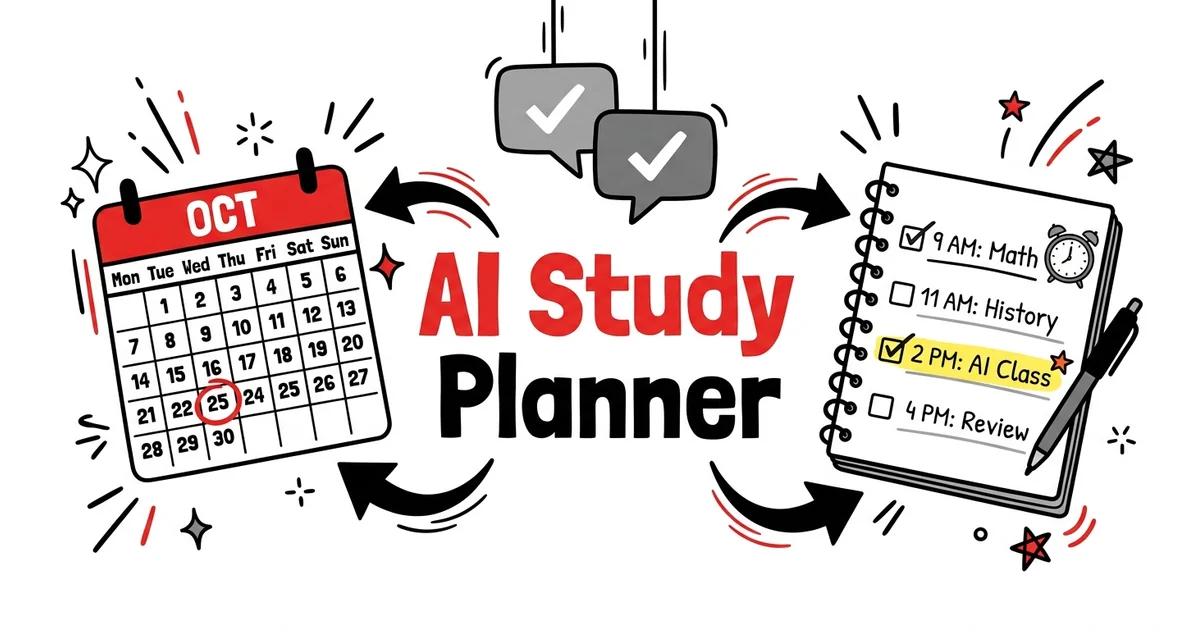
Best AI Study Planner Tools in 2026: Plans That Actually Adapt
Most "AI study planners" are calendar apps with a scheduling feature. They generate a plan, you ignore it by day three, and the app sits unused.
Genuinely useful AI study planners do something different: they generate plans from your actual course material, track what you've actually reviewed, and reschedule based on your real progress — not a fixed calendar template.
This is the difference between a study schedule and a study system.
What Separates Good AI Study Planners from Bad Ones
Bad: You enter your exam date and subject name. The app outputs "Study Chapter 1 on Monday." Nothing adapts when you miss a day or struggle with a specific concept.
Good: The planner knows what you're studying, how well you've retained each concept so far, and how much time you have left — and generates a dynamic schedule that accounts for all three.
The tools below are ranked by how close they get to the second description.
Best AI Study Planner Tools in 2026
1. TikoNote — Best AI Study Planner with Built-In Spaced Repetition
What it does: TikoNote isn't a standalone planner — it's a study system that includes automatic scheduling as a core feature. When you upload course materials (PDFs, lectures, YouTube videos), the AI generates flashcards and quiz questions, then schedules them into a spaced repetition review plan calibrated to your individual forgetting curve.
Why it's the best AI study planner for most students:
The problem with separate study planner apps is that they plan time without knowing content. They can tell you "study organic chemistry for 2 hours on Tuesday" but they can't tell you which specific reactions to review or how close you are to forgetting each one.
TikoNote plans content, not just time. After processing your notes or textbook chapter, it knows exactly which cards you've mastered, which you've struggled with, and when each one needs to come back for review before you'd forget it. The review schedule updates automatically after every session.
How to use TikoNote as a study planner:
1. Upload each course's materials at the start of the semester
2. TikoNote generates flashcard decks and practice quizzes per topic
3. Open the app daily for your scheduled review — 20–30 minutes covers all due cards across all subjects
4. The algorithm handles all scheduling; you just show up and answer
Free tier: Yes. Pro from ~$9.99/month.
2. Motion — Best AI Calendar Planner for Students with Busy Schedules
What it does: AI-powered calendar that automatically schedules tasks around meetings, classes, and commitments. When something overruns or you add a new task, Motion replans your entire day in seconds.
Why it works for students: Unlike fixed schedules that fall apart when one class runs late or an assignment takes longer than expected, Motion continuously optimizes your calendar around real constraints. Students with part-time jobs, sports commitments, or irregular schedules benefit most.
Limitation: Motion plans time blocks for studying but doesn't know what you're studying or how well you know it. Best paired with TikoNote (which handles content scheduling) while Motion handles overall time management.
Pricing: ~$19/month. 7-day free trial.
3. Notion AI + Study System Template — Best Free Flexible Planner
What it does: Notion's free Education Plus plan (available to students with a .edu email) gives you a flexible workspace to build a custom study planning system. Notion AI can generate weekly study schedules, summarize your notes, and draft revision plans on request.
How to use it as a study planner:
- Create a database of all your courses, topics, and exam dates
- Ask Notion AI to generate a study schedule based on your entries
- Use it to track which topics you've covered and flag areas for review
Limitation: Notion AI generates a static schedule — it doesn't adapt automatically when your retention data changes. You need to manually update and regenerate schedules.
Best for: Students who want a centralized workspace and are willing to spend 10 minutes a week updating their plan. The free Education Plus tier makes it the strongest free AI study planner that doesn't impose usage limits.
4. Reclaim.ai — Best AI Planner for Google Calendar Users
What it does: Integrates with Google Calendar to automatically find open slots and schedule recurring tasks (study sessions, review blocks) around your existing commitments. Reschedules automatically when conflicts arise.
Why it works: Many students already live in Google Calendar. Reclaim adds an AI layer that handles the tedious "find a free hour for this" problem — particularly useful for students managing 5+ courses with different assignment deadlines.
Free tier: Yes (limited). Pro plans from ~$10/month.
5. ChatGPT — Free AI Study Schedule Generator
What it does: Not a study planner app per se, but ChatGPT can generate a detailed, personalized study schedule in minutes based on the information you provide.
A prompt that works:
"I have 4 exams: [Subject A] on [date], [Subject B] on [date], [Subject C] on [date], [Subject D] on [date]. My weakest subject is [Subject A]. I have 3 hours per day available for studying. Generate a day-by-day study schedule for the next 3 weeks, allocating more time to my weaker subjects and building in review days before each exam."
ChatGPT produces a detailed, structured schedule from this. Copy it to Notion or Google Calendar.
Limitation: The schedule is static — it won't adapt automatically. But generating a new one takes 2 minutes when your situation changes.
Pricing: Free.
What to Look for in an AI Study Planner
| Feature | Why it matters |
|---|---|
| Content awareness | Plans what to study, not just when |
| Adaptive scheduling | Reschedules when you miss sessions or struggle |
| Exam date integration | Backloads hardest content before deadline |
| Cross-course management | Balances multiple subjects simultaneously |
| Spaced repetition integration | Schedules review at scientifically optimal intervals |
TikoNote covers the first, second, and fifth. Motion covers the second and fourth. Notion AI covers the third and fourth (manually). ChatGPT can be prompted for all five but requires manual implementation.
The Study Planner That Works: A Practical Setup
The core problem with most study planners is that students use them for a week then stop. The reason isn't lack of discipline — it's that the plan becomes inaccurate as soon as reality diverges from the template.
A setup that actually sticks:
-
TikoNote for content scheduling — Upload each course's materials. Review your daily cards (20–30 min). The algorithm handles what to study and when.
-
Google Calendar for time blocking — Block 2–3 hour study windows. Don't fill them with specific content — let TikoNote decide what's most urgent.
-
Weekly 10-minute review — Every Sunday, look at the next week's exam deadlines. Ask ChatGPT to generate a quick priority list. Adjust your time blocks accordingly.
This takes setup time once at the start of term. After that, it runs on auto with 10 minutes of weekly maintenance.
Frequently Asked Questions
What is the best AI study planner for students in 2026?
TikoNote is the most effective because it plans content (which concepts to review, based on your actual retention data) rather than just time. For overall time management around classes and commitments, Motion or Reclaim.ai add an AI layer to calendar scheduling.
Is there a free AI study planner?
TikoNote's free tier includes built-in spaced repetition scheduling. Notion Education Plus (free for .edu students) works as a flexible planner with Notion AI. ChatGPT (free tier) can generate detailed schedules on request in minutes.
How do AI study planners work?
Better AI study planners use one or more of: (1) spaced repetition algorithms that schedule review at optimal forgetting-curve intervals, (2) AI calendar optimization that fits study blocks around your existing commitments, or (3) AI schedule generation based on your exam dates and available study time. The most effective combine all three — TikoNote handles the first, Motion/Reclaim handle the second, and ChatGPT can cover the third.
How is an AI study planner different from a regular study planner?
A regular planner assigns time blocks that don't adapt. An AI study planner adapts based on what you've actually reviewed, how well you retained it, and how your calendar changes over time. The result is a schedule that stays accurate instead of becoming obsolete after your first missed day.
TikoNote generates a personalized study plan from your actual course materials — not a generic calendar template. Upload your first PDF or lecture and get your scheduled review ready in seconds. Start free →
Put this into practice — right now.
Upload a PDF, lecture slide, or YouTube link. TikoNote instantly generates quizzes, flashcards, and a Feynman session from your own material — not generic internet content.
- ✓ Works on any PDF, video, or audio
- ✓ Active recall built-in — not passive summaries
- ✓ Used by 50,000+ students

Written by TikoNote Team
AI learning researchers & cognitive science enthusiasts building tools that help students study smarter with evidence-based methods like active recall, spaced repetition, and the Feynman Technique.