PDF Quiz Maker: Turn Any Document Into a Practice Test
Modern studying involves an overwhelming amount of reading. From 80-page textbook chapters and dense academic research papers to 100-slide lecture decks, the volume of digital text assigned to students is higher than ever before.
The standard approach to handling this mountain of PDFs is passive: highlight important passages, type summaries, and read through them again before test day. Unfortunately, decades of cognitive psychology research show that this passive review strategy produces weak retention and false confidence.
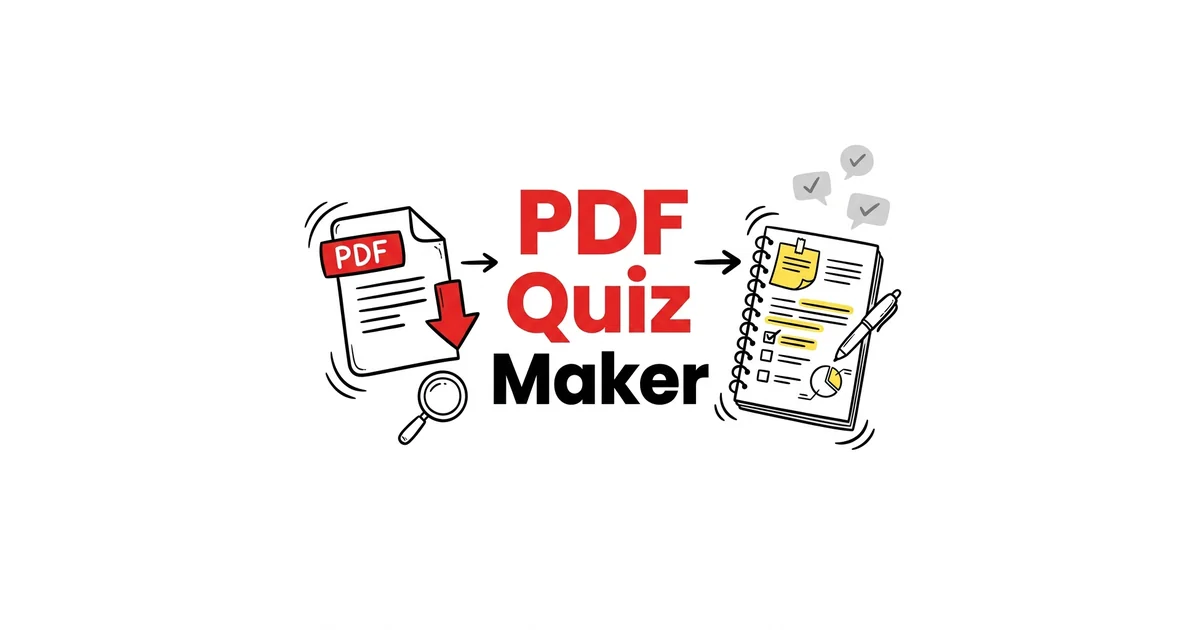
To truly master dense documents, you must test yourself on their contents. With an AI-powered PDF quiz maker, you can bypass hours of manual question-writing and instantly generate rigorous, customized practice exams directly from your study documents.
Why Converting PDFs into Quizzes Beats Re-Reading
When you read through a PDF document multiple times, your brain experiences the fluency illusion. The text looks familiar, so you assume you have mastered the underlying principles. In reality, recognition is vastly different from recall.
Key advantages of automated quiz generation:
- Instant Active Recall: A PDF quiz forces you to retrieve concepts from memory without looking at the text, activating the Active Recall vs Passive Review mechanism essential for long-term memory formation.
- Comprehensive Coverage: An AI model scans the entire PDF systematically, ensuring that obscure definitions, diagram explanations, and supporting evidence are tested rather than just the bolded headings you happened to notice.
- Objective Feedback: When you score 60% on an AI-generated quiz, you receive an immediate, unbiased assessment of your knowledge gaps before stepping into the examination hall.
How to Get the Best Results from a PDF Quiz Generator
To maximize the quality of the tests generated from your documents, apply these proven practices:
1. Pre-Process and Clean the PDF
If your PDF contains 20 pages of course syllabus, introductory pleasantries, and reading lists, remove them prior to generation or select only the specific chapter pages. Feeding clean, focused source text into the AI produces significantly higher-quality questions with plausible distractors.
2. Mix Question Formats
Different question styles target different cognitive depths:
* Multiple-Choice Questions (MCQs): Excellent for testing broad factual knowledge, terminology, and distinguishing between closely related concepts.
* True/False Statements: Useful for testing understanding of nuanced conditions, exceptions to rules, and historical sequences.
* Open-Ended Prompts: Best for evaluating deep conceptual understanding and testing your ability to explain complex mechanisms in your own words.
3. Review Explanations for Wrong Answers
A high-yield practice test does not just tell you what you got wrong—it explains why the correct answer is right. When reviewing mistakes, immediately re-verify the relevant section of the source document and apply the Feynman Technique to articulate the correct reasoning out loud.
When to Use a PDF Quiz Maker
- Midterm and Final Exam Prep: Upload accumulated lecture slides to generate comprehensive mock exams.
- Research Literature Review: Upload academic papers to quickly test whether you grasped the methodology, results, and limitations of a study.
- Certification and Professional Exams: Convert official study guides and whitepapers into diagnostic assessment banks.
Generate Study Materials Instantly with TikoNote
Stop wasting hours making quizzes manually. TikoNote's AI generator instantly creates practice tests, flashcards, and study guides from your PDFs, lecture slides, or raw notes.
👉 Generate your first study guide for free on TikoNote
Frequently Asked Questions
What file sizes can a PDF quiz maker process?
Most modern AI quiz generators can handle PDF files ranging from a single-page handout up to several hundred pages of a full textbook chapter. For optimal accuracy, uploading specific chapters (10–50 pages) typically yields the most focused question sets.
Can the tool generate questions from scanned PDFs?
Yes, if the tool incorporates Optical Character Recognition (OCR) technology. If your PDF consists of scanned images of physical pages, ensure the tool supports OCR or use a digital text-based PDF for maximum accuracy.
How are plausible incorrect options (distractors) created?
Advanced AI models analyze the context of the document to pull related terminology and concepts into the incorrect answer choices, ensuring that questions test genuine comprehension rather than obvious elimination.
Conclusion
Re-reading digital documents is an inefficient use of valuable study hours. By utilizing a dedicated PDF quiz maker, you convert static reading materials into dynamic, high-retention assessment engines. Test yourself early, identify your weak spots immediately, and walk into your next exam with genuine confidence.
Written by TikoNote Team
AI learning researchers & cognitive science enthusiasts building tools that help students study smarter with evidence-based methods like active recall, spaced repetition, and the Feynman Technique.